The plan, in your pocket. Even with no reception.
Zenvents360 for iPhone is the part of your account you carry to the venue. It works with the same account you use on the web, so the event you planned at your desk is the event on your phone.
✓ Free • ✓ Signs in with your Zenvents360 account • ✓ Android is on the way
Built for the hour the plan is somewhere else
A printed run sheet that was right on Thursday, screenshots between the gear photos, a text to the office for the coordinator's number. The app replaces the kit.
The run of show, with no signal
Every event you’re on, with the times worked out and every answer your client gave. It saves to your phone before you leave, so the timeline opens in a basement ballroom.
Edits wait for the signal
Change something offline and it goes out when you’re back in range. If someone changed the same answer meanwhile, you see both and choose.
Who to call, one tap each
The client, the venue’s contact on the day, your crew and the other vendors on the event. Each person sees what your business lets them see.
Clock in and record the drive
Your crew clocks in and out at the venue, and records the drive there and back for mileage.
The day’s list
Check things off as you go.
Gear
Scan a label to find an item, pick the list for an event, and check it back in when the truck comes home. No label? Print one from the phone.
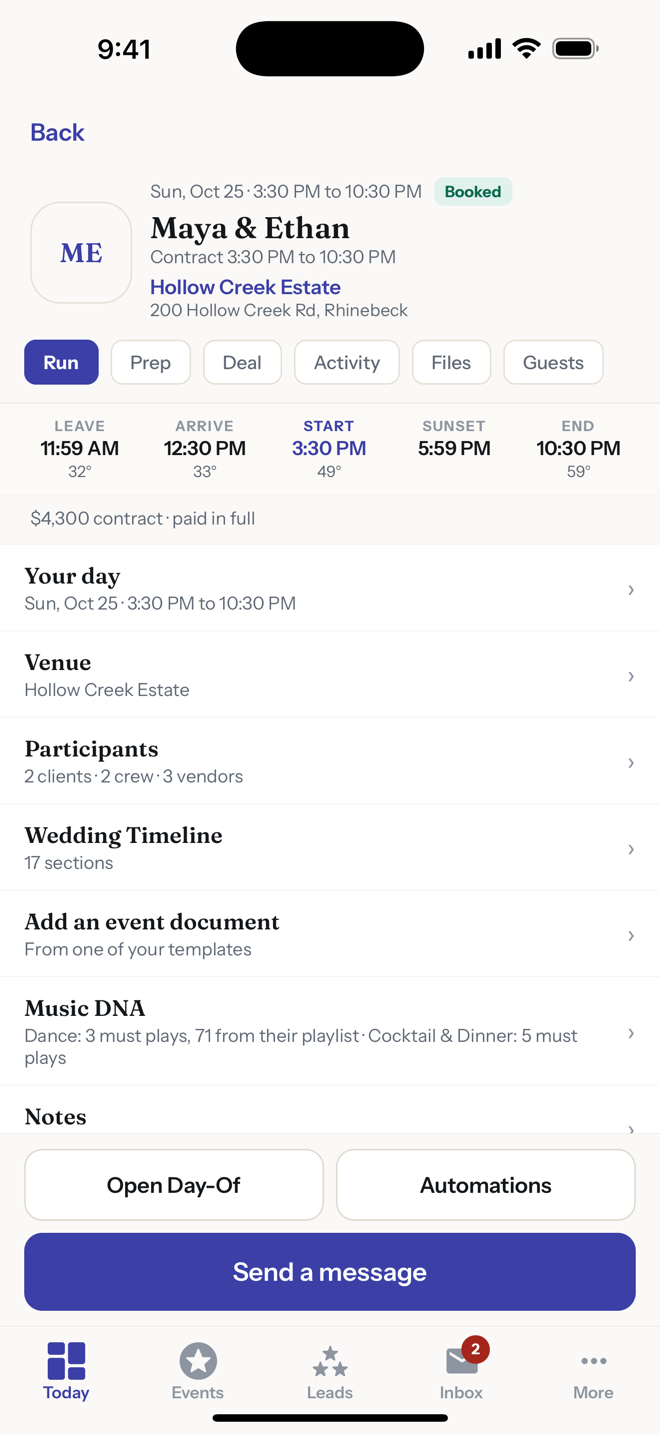
The event: when to leave, when to arrive, sunset, and the whole plan.
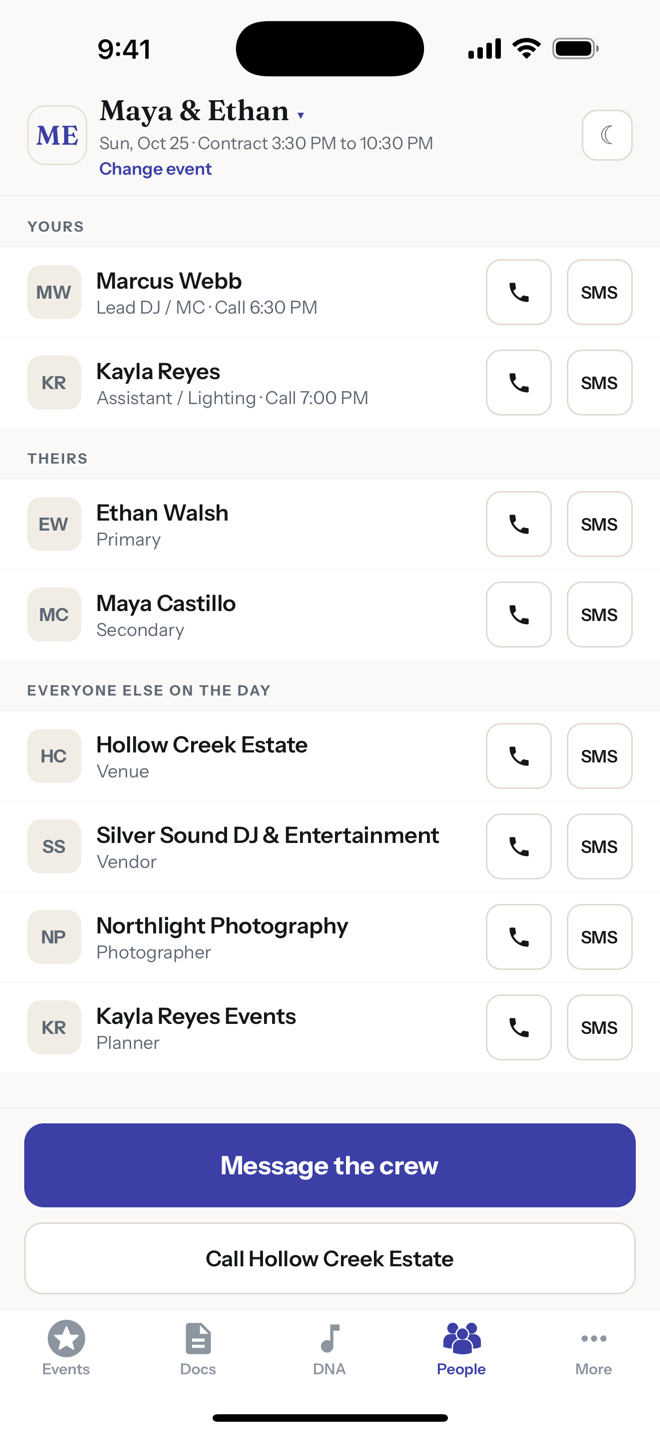
Everyone on the day, yours and theirs, one tap away.
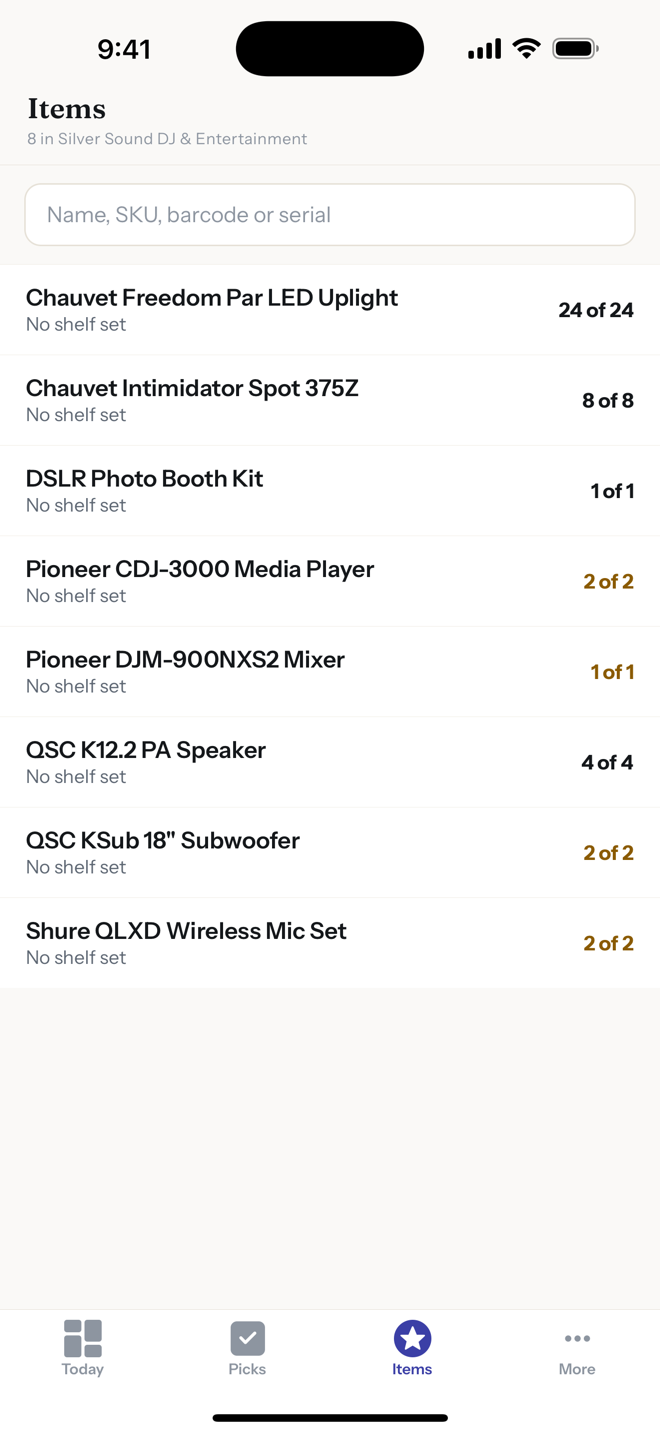
Your gear, searchable by name, SKU, barcode or serial.
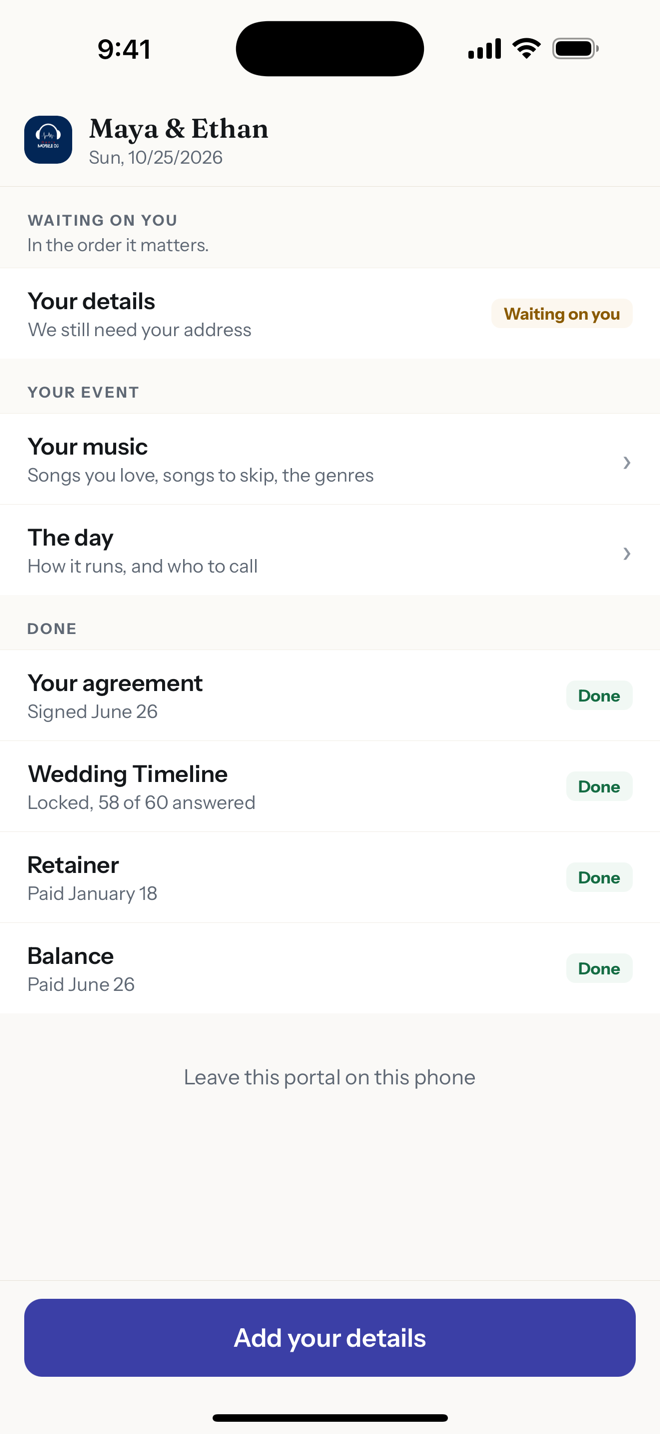
What your client sees: what’s waiting on them, in order.
Between events
- Today: what needs you, in order.
- Your events and leads, with the deal, the payments and the documents.
- Your inbox: email and texts with clients in one thread, and team chat with your crew.
- Contacts, to-dos and the numbers that matter.
- Your calendar, and Find a Gig: events where other pros are looking for help.
Your clients can use it too
They don't need it: their planning link still opens in any browser, no password. But if they install the app, they can open their planning link there to read and sign the agreement, pay with Apple Pay or a card where you take Stripe, fill in the timeline, build their Music DNA, keep their guest list, and see the photos and floor plan you share.
Nothing internal reaches them. Your crew's notes, your gear and anyone's pay stay with you.
Good to know
It's the field kit, not the setup: packages, templates and automations are built on the web, and the app uses what you set up there.
iPhone only for now. Android is on the way, and until then the web app works in any phone browser.

The story behind it: The master plan is in the cloud, but you have no reception